Santa's workshop
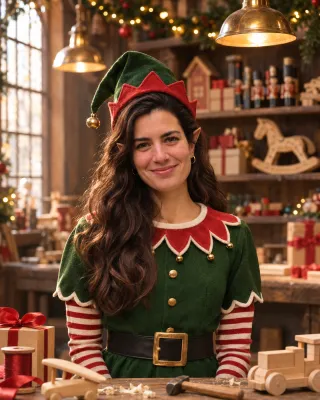
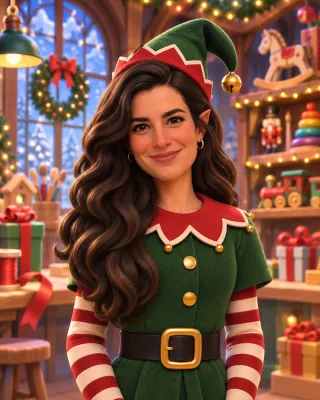
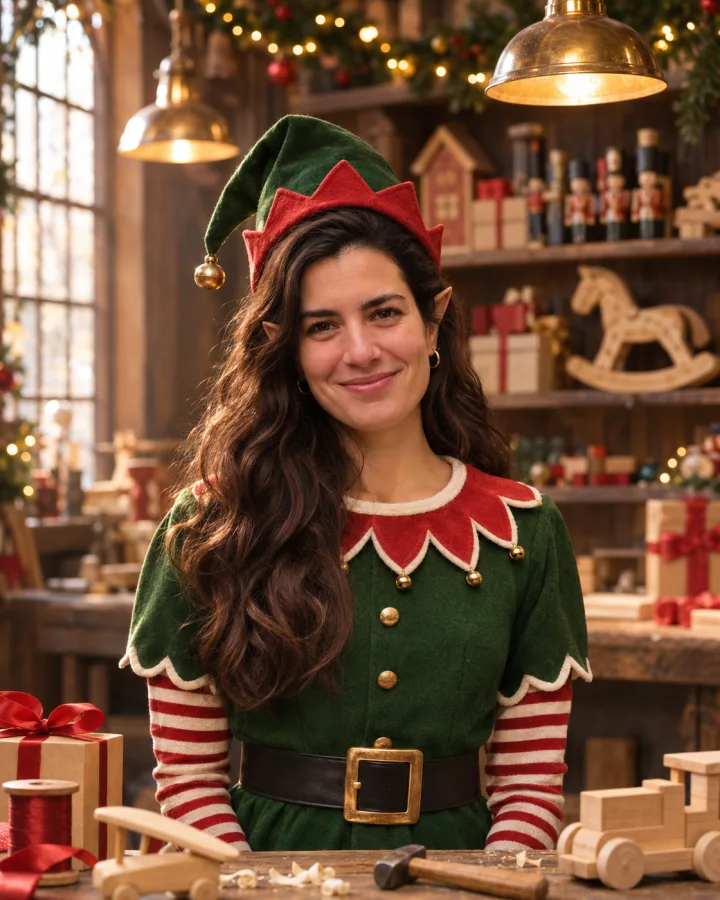
Green tunic, striped sleeves and a hat with a bell, hard at work at a toy bench under warm lamps.
Holidays
 Christmas20 looks · live nowNew YearComing soonValentine's DayComing soonEasterComing soonMother's DayComing soonBirthdayComing soon
Tools
Holiday photo makerPhoto to holiday portraitAdd Santa to photoSanta in your house photoDog Christmas photoYour dog in a Christmas lookChristmas filterSnow, lights, a Santa hat or a Christmas background on your photoElf makerTurn yourself, your partner or the whole family into Christmas elvesPhoto to videoComing soonProfile picture makerComing soonUpload a selfie, a couple shot or a family photo and get everyone back as Christmas elves in Santa's workshop, at the North Pole or by the fire, still looking like themselves. Pointy hat, pointy ears, no costume to buy, and your first elf photo is free.
1 credit per photo after your free one · failed generations are refunded
Green tunic, striped sleeves and a hat with a bell, hard at work at a toy bench under warm lamps.
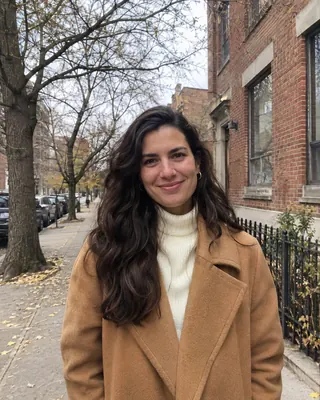
Example made from the photo on the left. Upload yours to make your own.
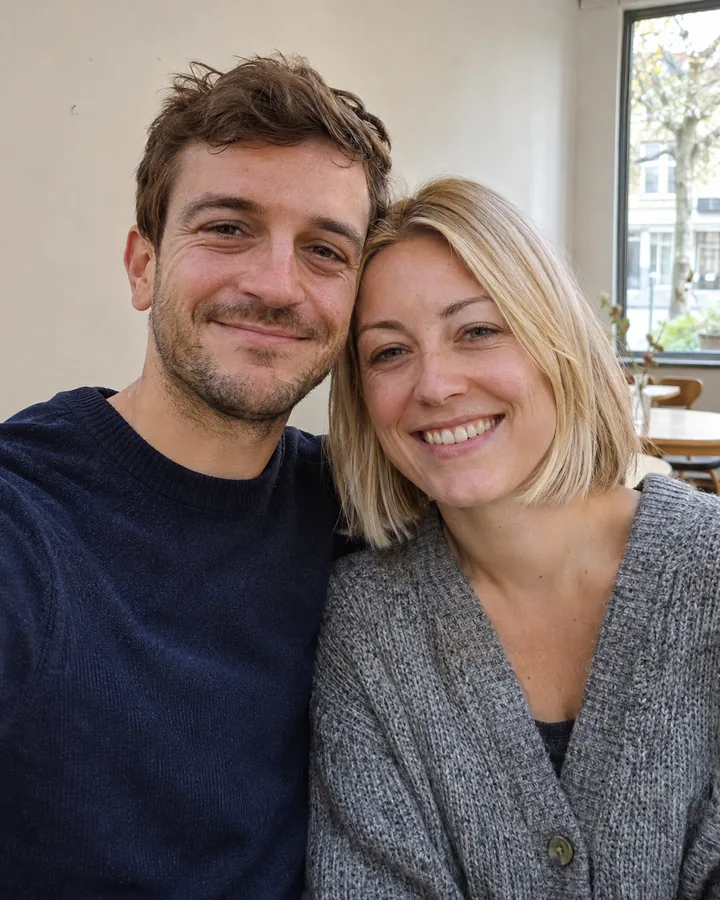
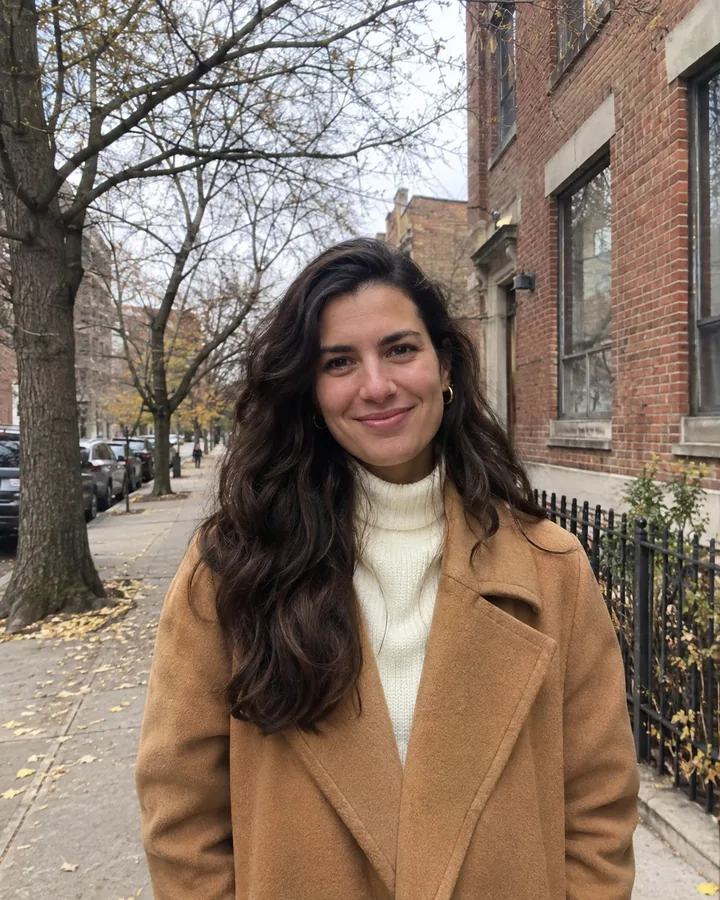
Three looks give you a real-looking Christmas elf photo; the fourth turns you into an animated elf. Every example was made from the plain photo in its corner, so you can see exactly what the elf maker changed (the costume, the ears, the scene) and what it left alone (the faces).
Green tunic, striped sleeves and a hat with a bell, hard at work at a toy bench under warm lamps.
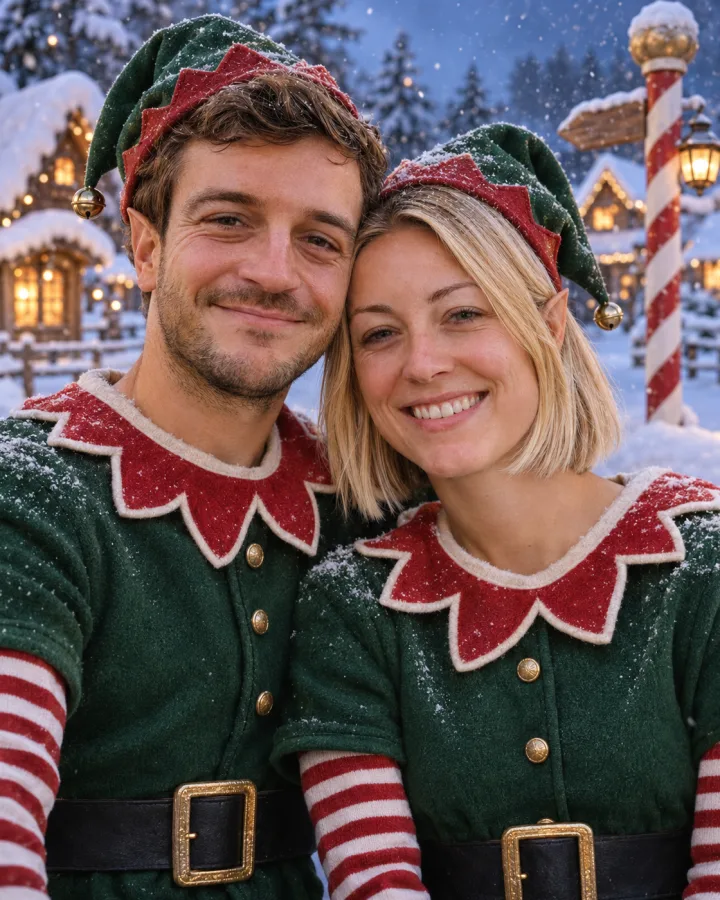
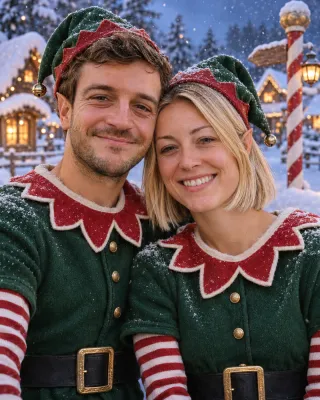
Out in the snow by the striped pole, with a little elf village glowing behind you.
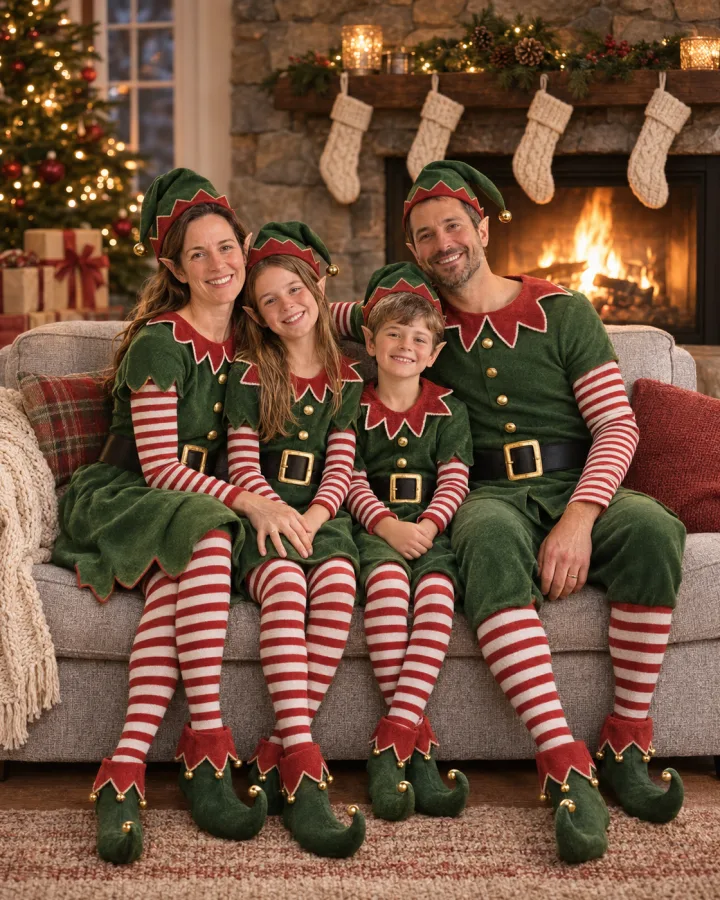
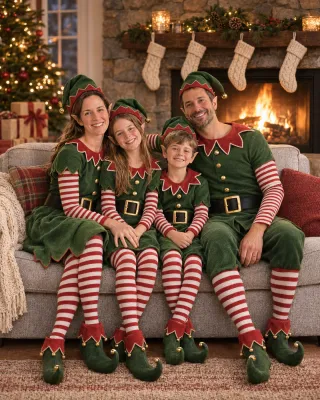
The whole crew in elf costumes, stockings on the mantel and firelight on every face.
Plenty of elf generators paste your face onto a stock elf body. This one dresses you up instead.
Upload any photo where your face is clear. The elf maker keeps your face, hair, skin tone and smile, then puts you in a green felt tunic with a scalloped collar, striped sleeves, a buckled belt and a pointed hat with a little gold bell. Small pointed ears in your own skin tone finish the look. Then it sets you down somewhere that fits, from the toy workshop to the snowy North Pole or the living room on Christmas Eve, and lights the whole scene together, so it reads as a photo of you in costume rather than a cut-out.
Originalone ordinary selfieSanta's workshop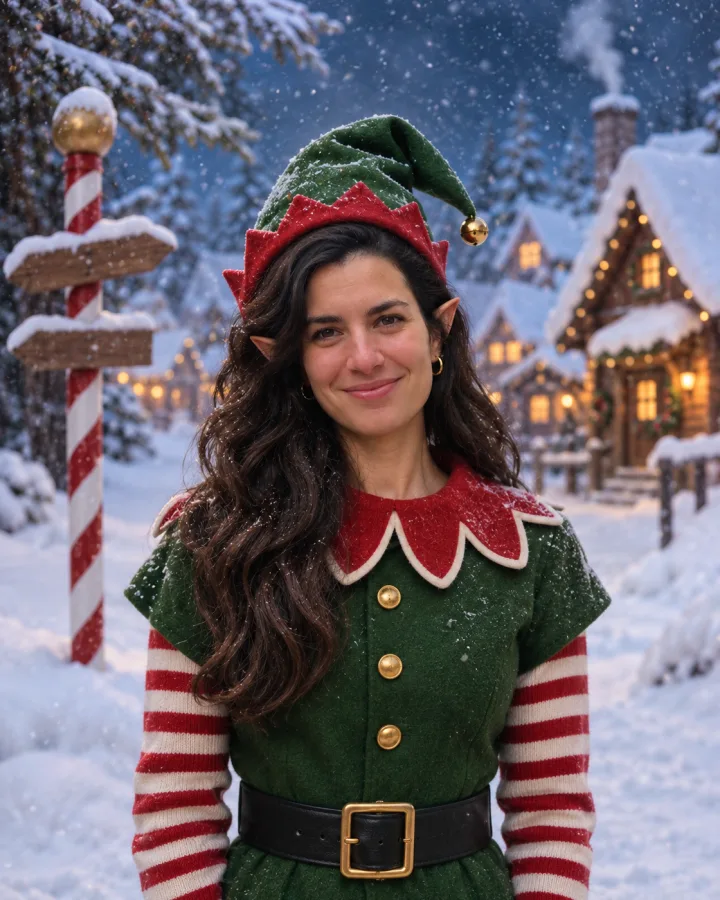 North Pole
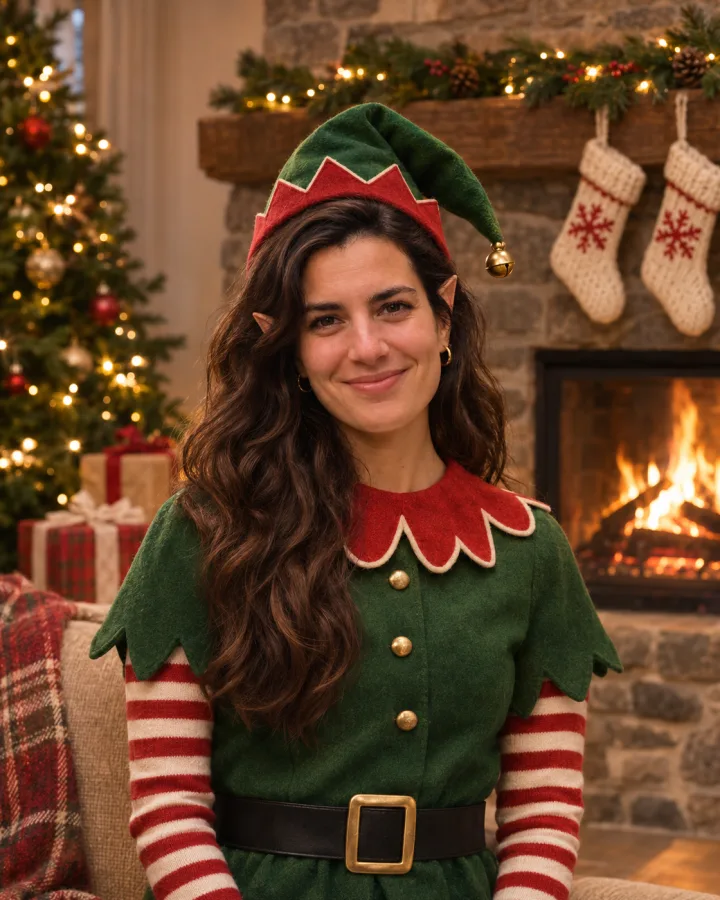 By the fireplace
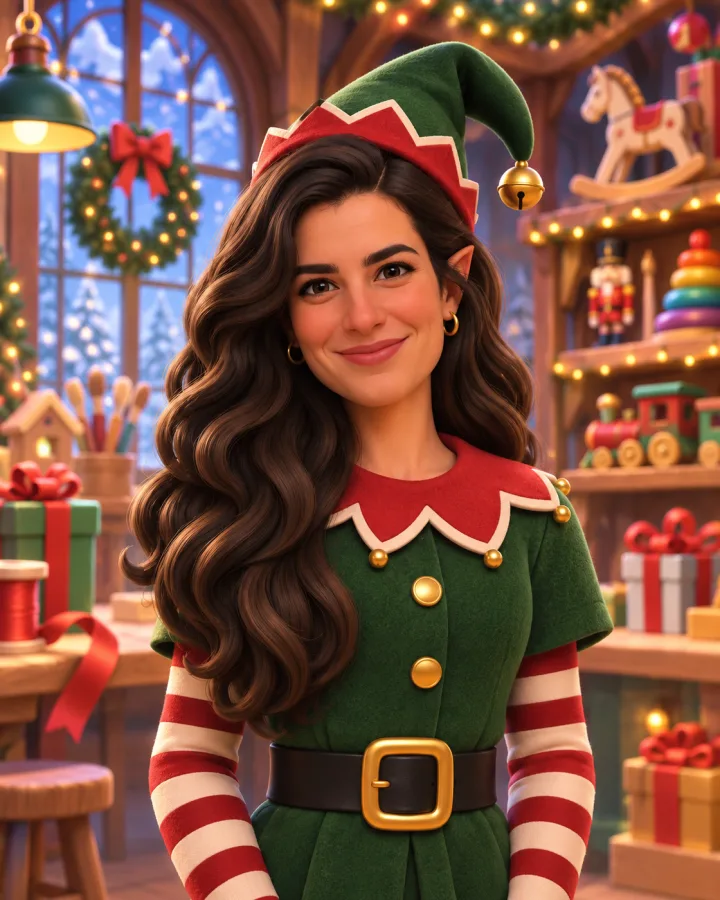 3D cartoon elf
Three steps in your browser, on your phone or computer. No app to install, no costume to rent, and nothing to edit by hand.
A selfie, a couple photo or a family shot, straight from your phone. Faces in good light and looking at the camera give the best likeness. JPG, PNG or WebP, up to 10 MB.
Santa's workshop, the North Pole, the fireplace or a 3D cartoon elf. Then press Make me an elf; the photo is ready in a minute or two.
Drag the slider to check your elf against the original, then download it full size or run the elf maker again with another look on the same photo.
One group photo is enough. Nobody has to sit still in a felt hat.
The elf maker keeps every person from your photo, in the same order and at the same heights, so the kids stay kids and grandma still sits next to grandpa. Each person gets an elf costume that fits their age, down to the striped stockings and curled-toe shoes, and if the dog made it into the shot, it gets a little elf hat too. If everyone was on a sofa, they stay seated: on a sofa by the fire or a snowy bench at the North Pole.
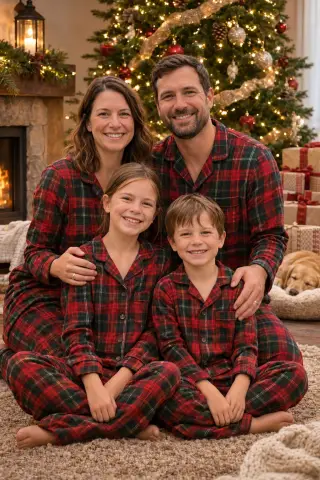
 Originalone family photo on the sofa
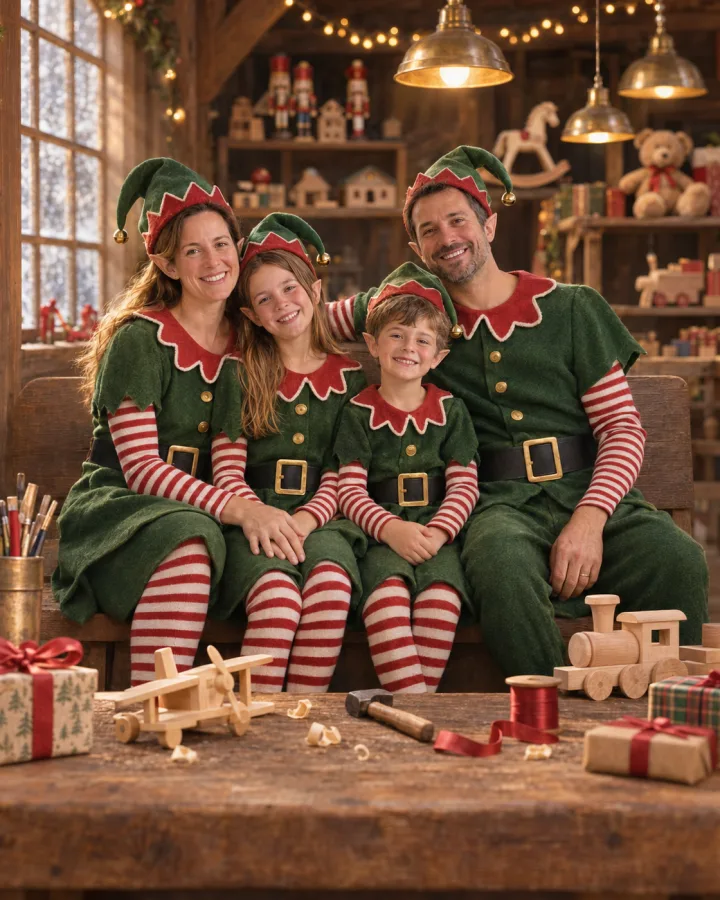 Santa's workshop
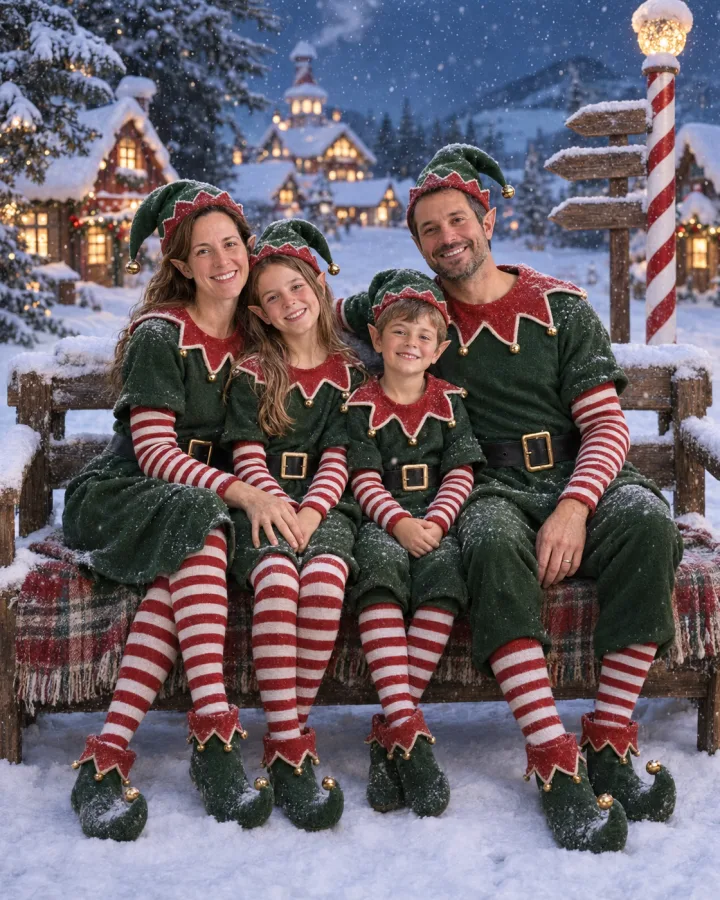 North PoleBy the fireplace
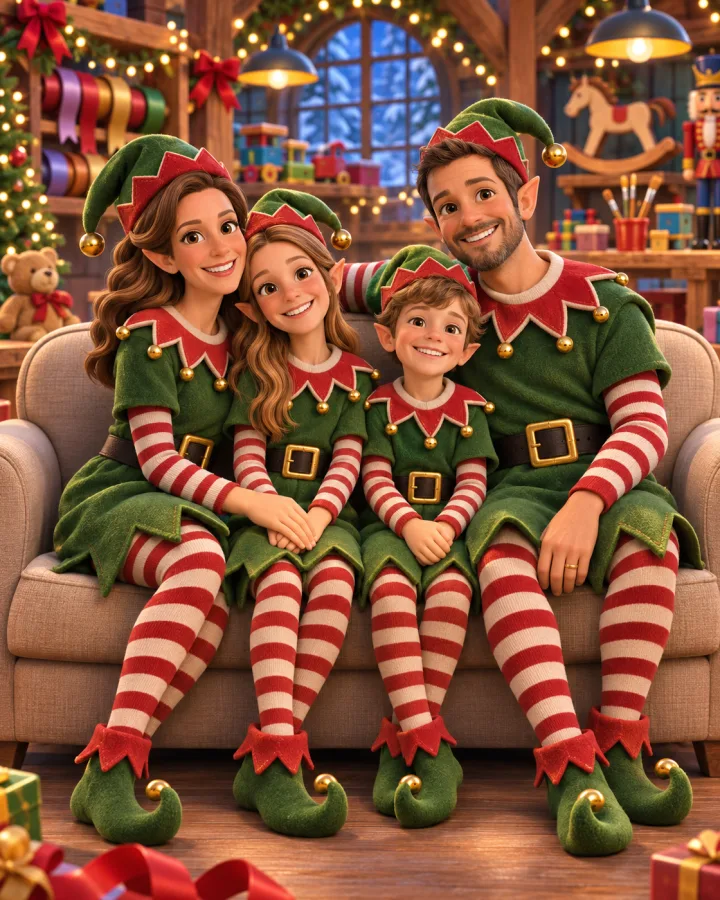 3D cartoon elf
Being turned into an elf is only funny when everyone can tell it's you. That's what this elf generator is built around.
Same face shape, eyes, smile and skin. Small pointed ears are the only change to your face.
Two people or ten: the elf maker gives each one a costume and keeps their own face.
Felt tunic, striped stockings, a buckled belt and a hat with a bell, with light and shadow from the scene falling on the costume like in a real photo.
Add Santa himself to a photo of your living room, porch or family.
Add Santa to a photo →Every photo downloads at full size with no watermark, ready to post or print.
Uploads are deleted after 7 days and finished photos after 30. We never sell them or use them to train our own models.
Turn the family into elves by the fireplace, add a line like "Santa's newest helpers" and send it through the card maker or print shop you already use.
Swap your avatar for a North Pole elf for the season, then switch back in January.
Make the whole team elves from one office party photo, or send a cartoon elf of a friend to the group chat. Make yourself an elf first, then ask who's next.
Search for an AI elf generator and you'll find two very different things. Some make fantasy elves: long swept-back ears, silver hair, forest light and armor. This elf maker makes the other kind, Santa's helpers: green felt, a scalloped collar, a hat with a bell and stockings in red and white stripes.
It's built for December. Put yourself in the toy workshop, out in the snow at the North Pole, or by the fireplace with the whole family, all in the same outfit. If you'd rather have a cartoon, the 3D look turns you into an animated holiday movie elf that still has your hair, glasses and smile.
Want to hand the costume to someone else? Add Santa to a photo and let him do the visiting instead.
Pick a photo where faces are sharp, well lit and easy to see. Selfies taken at arm's length work well; sunglasses, hands in front of faces and strong backlight make the likeness weaker. A waist-up photo gives the best solo elf, because there's room for the hat and the collar.
For couples and families, use one photo with everyone in it and every face in view. The elf maker keeps the people it can see; it won't add a relative who isn't in the picture. Not happy with the first try? Run it again or switch the look: each photo is a fresh take.
Want a different Christmas outfit instead of an elf? Try the AI Christmas photo generator for Santa, matching pajamas or a snowy cabin.
Your first photo is free. After that it uses the same credits as every tool on the site: subscribe for the lowest price per photo or buy a pack once.
1 credit = 1 portrait. Unused credits roll over within your billing period. Prices in USD; taxes may apply at checkout. See full pricing →
One photo, four elf looks, and your first one is free. A selfie, a couple or the whole family all work.