
Santa Yourself
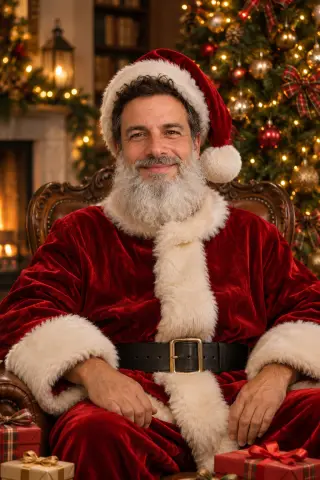
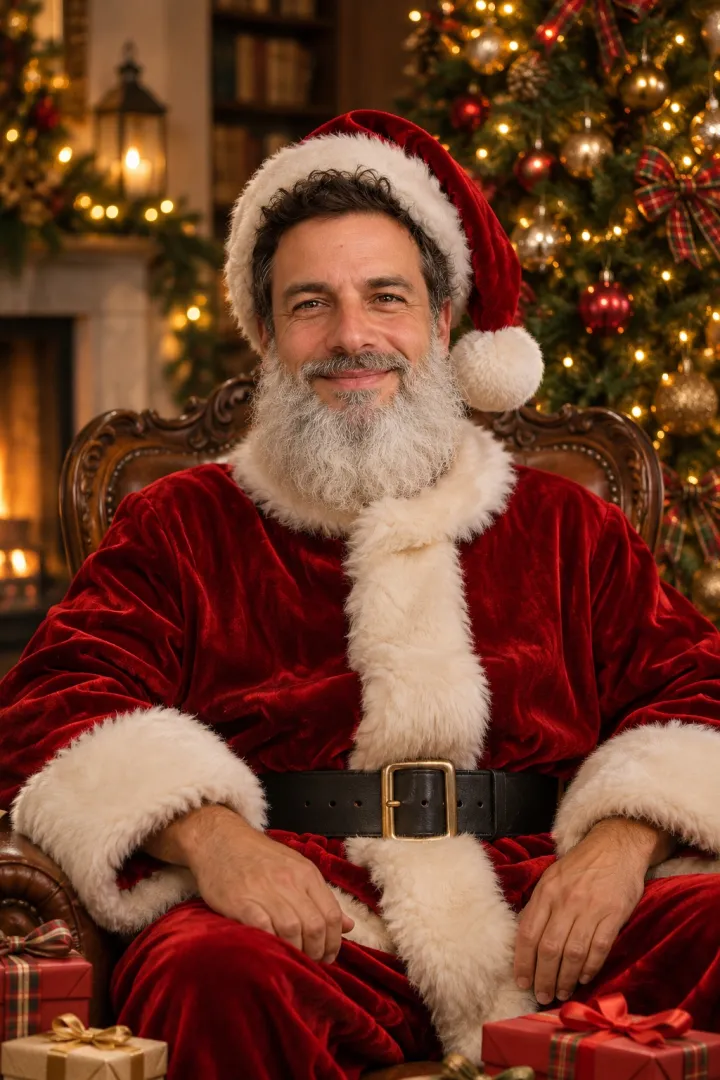
Red velvet suit, a real-looking white beard and a tree full of presents.
Holidays
 Christmas20 looks · live nowNew YearComing soonValentine's DayComing soonEasterComing soonMother's DayComing soonBirthdayComing soon
Turn a selfie, a family photo or your pet into an AI Christmas photo that still looks like you. 20 looks, and your first one is free.
1 credit per photo after your free one · failed generations are refunded
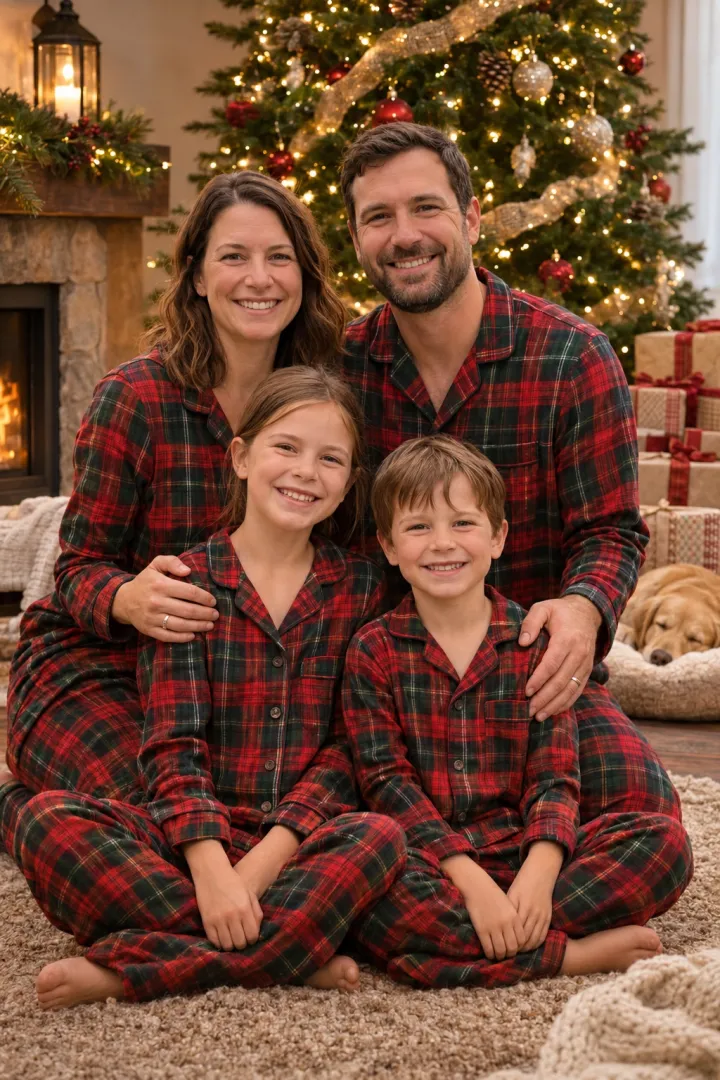
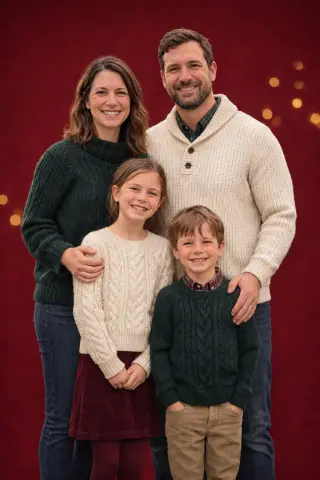
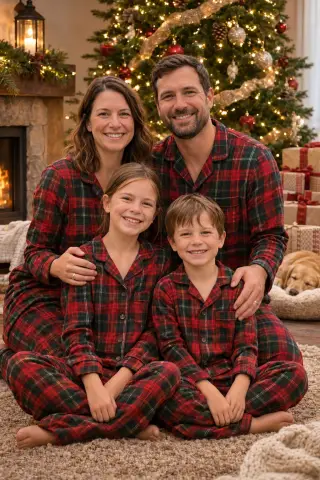
Plaid flannel for the whole family in front of the tree.
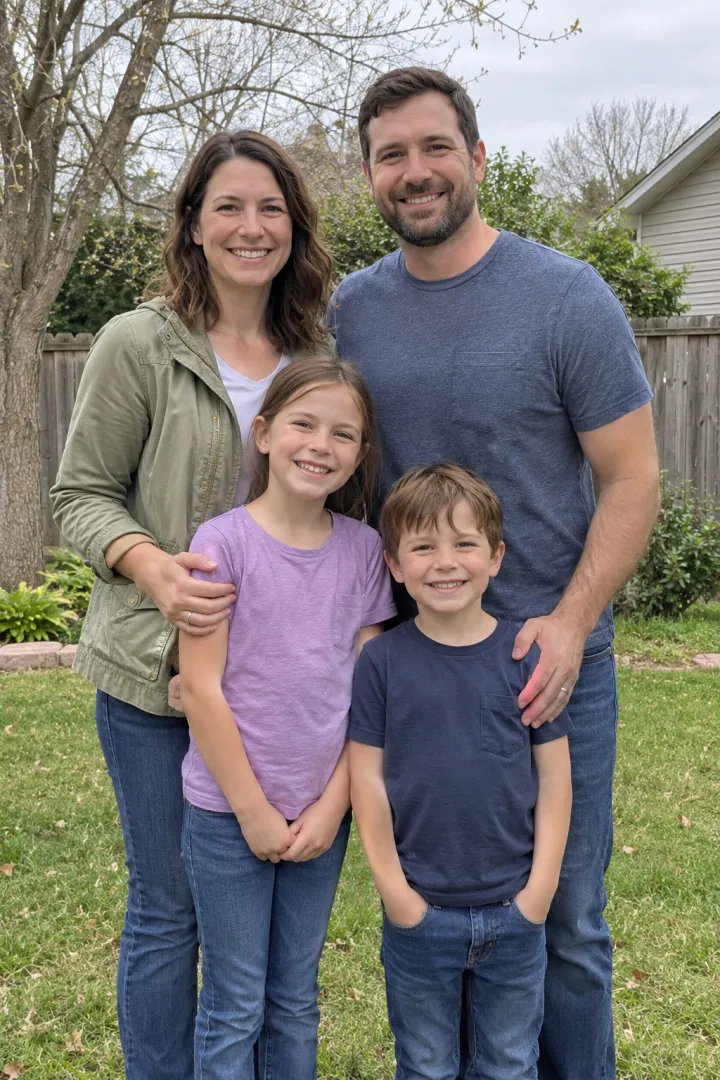
Example made from the photo on the left. Upload yours to make your own.
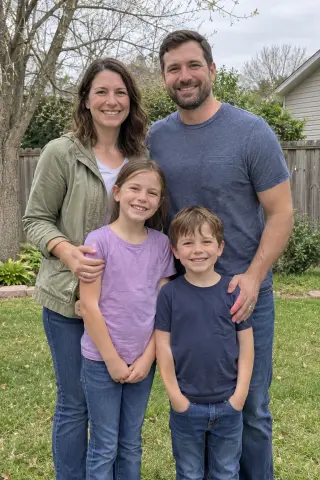
Every example below started from the plain photo in its corner. The faces stay the same; the outfit, the tree and the snow are what change. Pick a group, then a look, and it loads into the maker above.
Red velvet suit, a real-looking white beard and a tree full of presents.
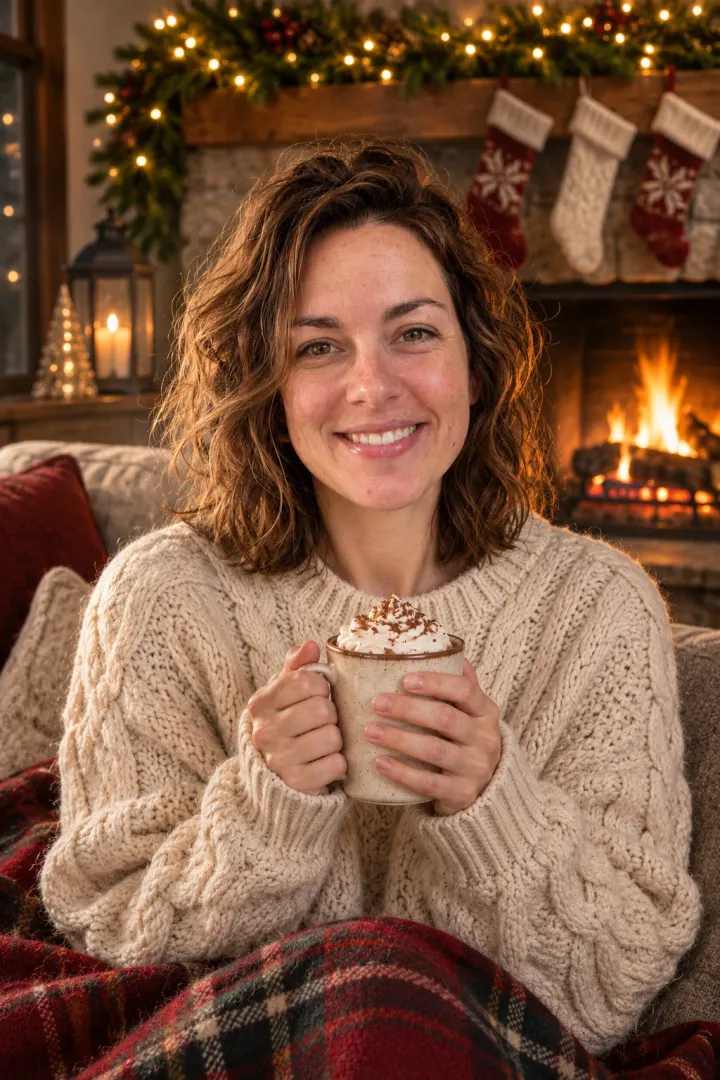
Cable-knit sweater, hot cocoa and stockings on the mantel.
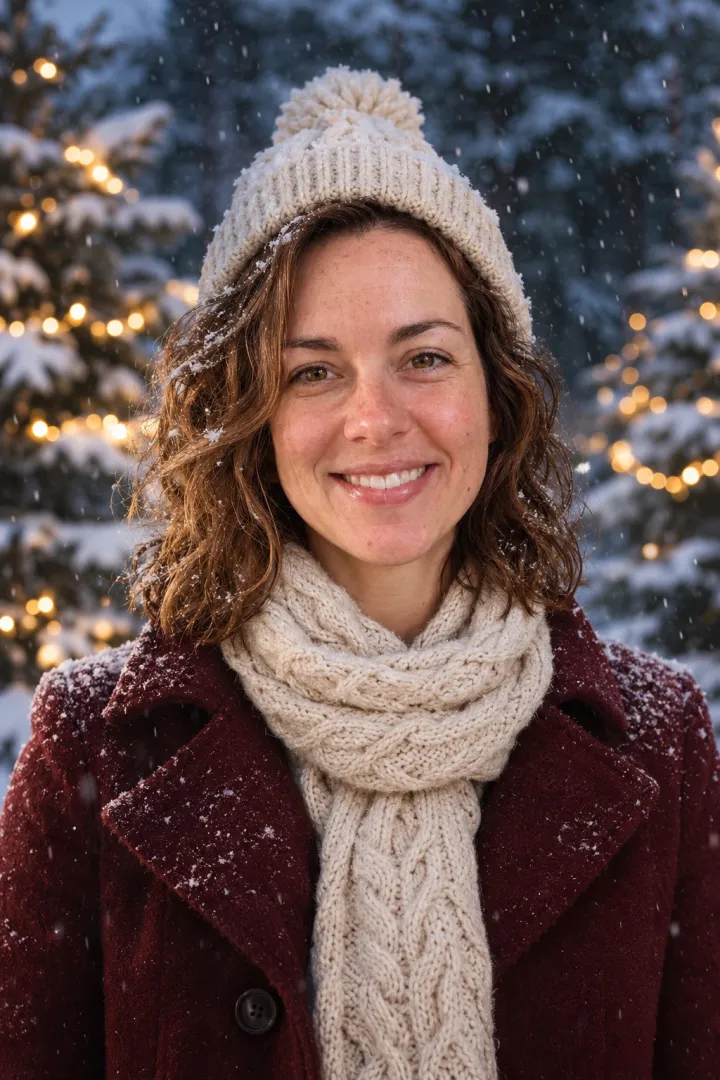
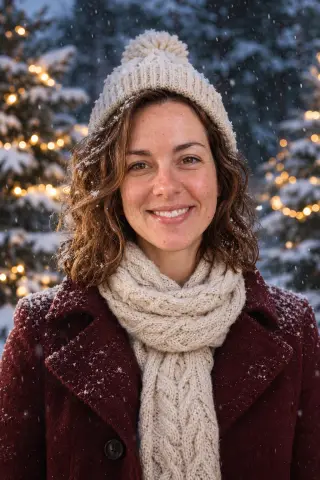
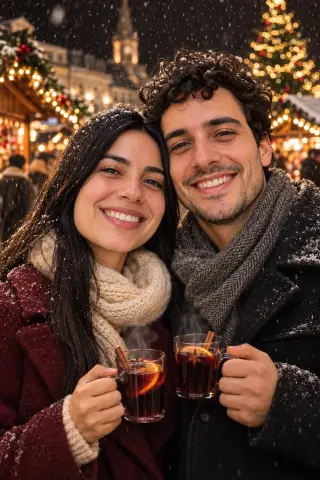
Burgundy coat and falling snow under pine tree lights.
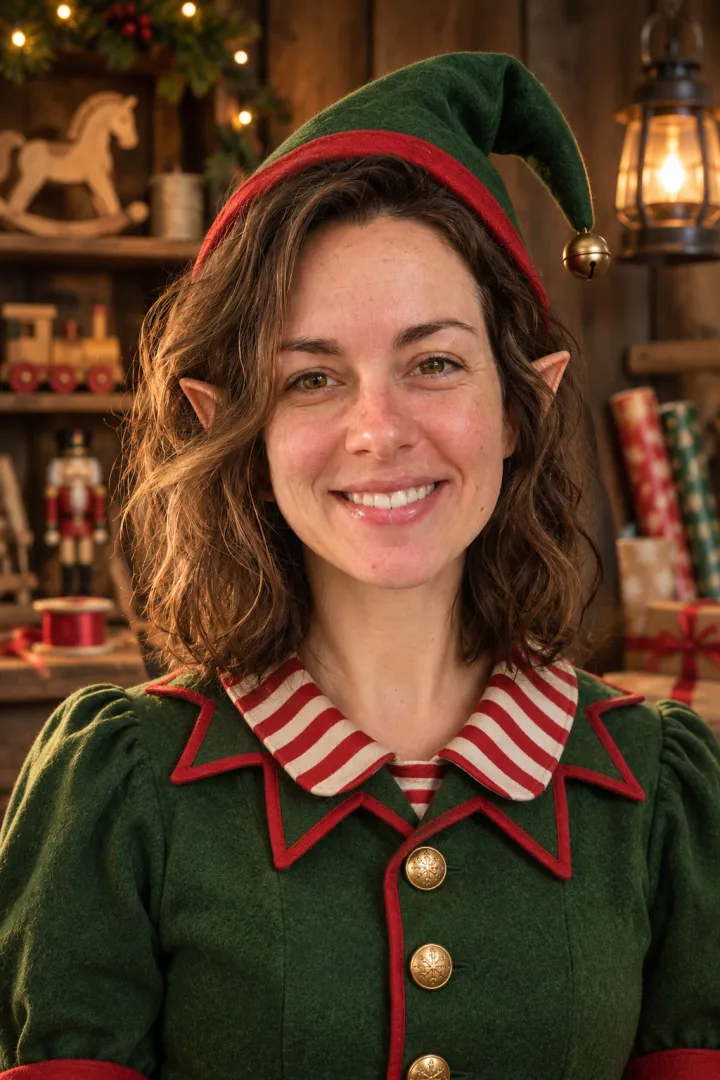
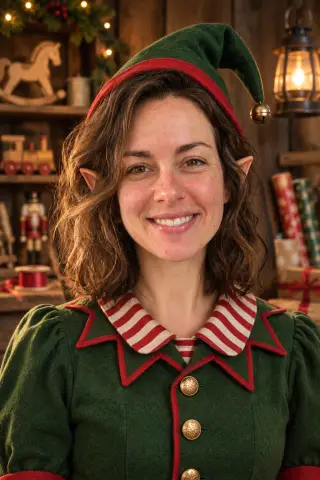
Green felt, striped collar and a toy workshop full of ribbons.
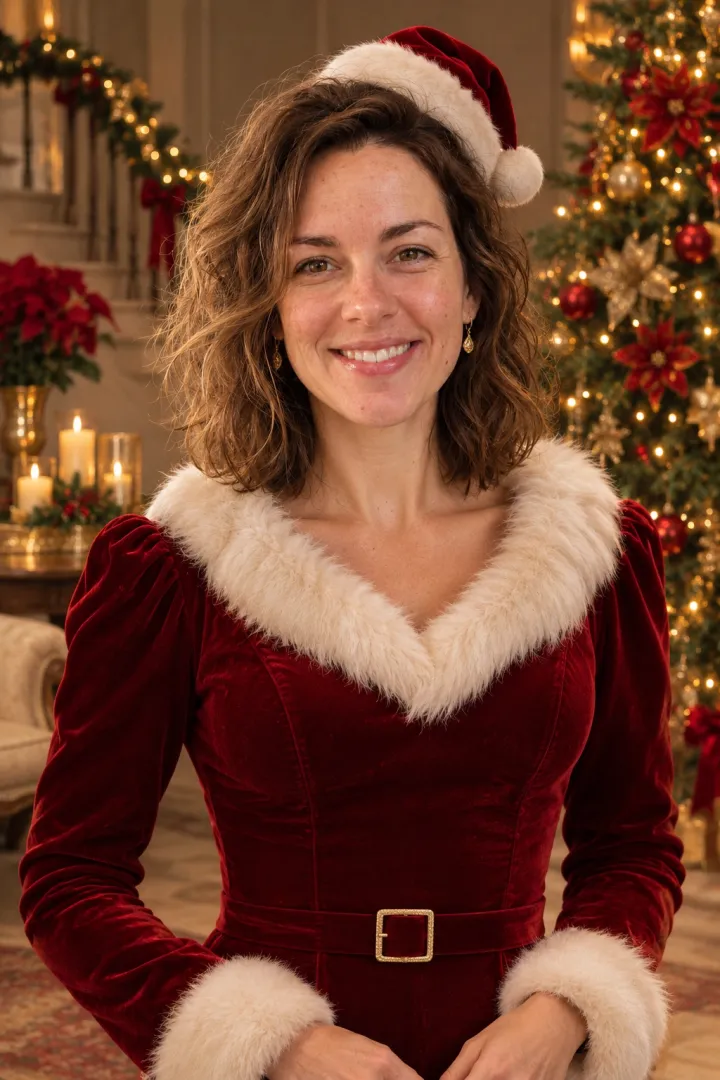
Red velvet, faux fur and a gold-and-red parlor.
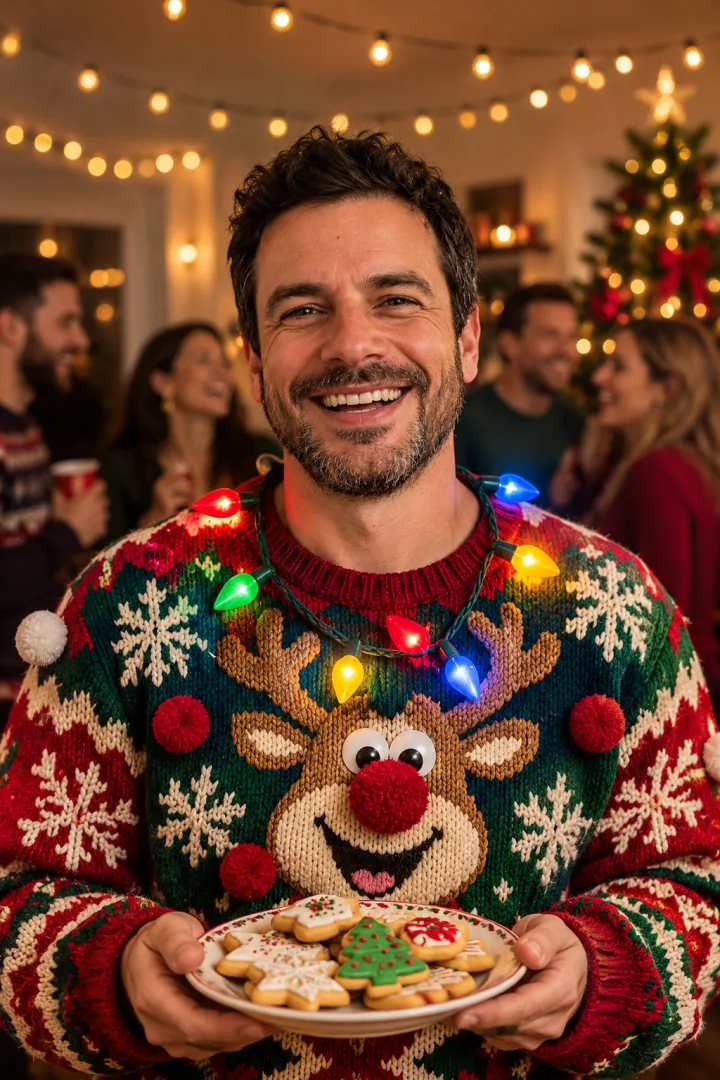
A gloriously loud sweater at a holiday house party.
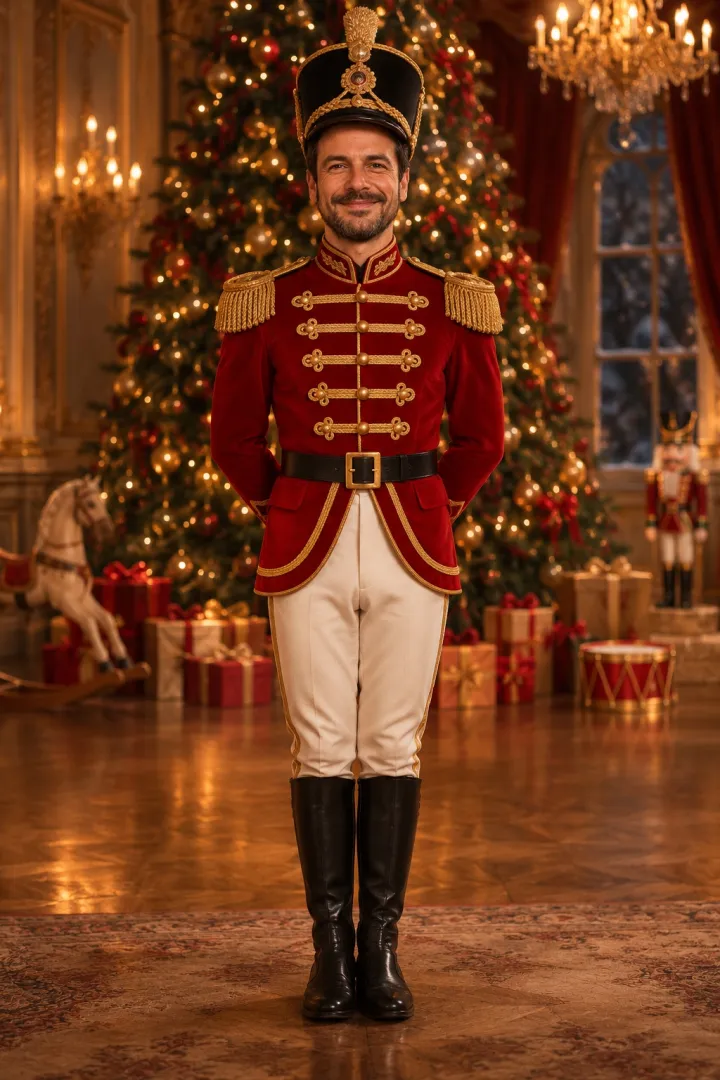
Red jacket, gold braid and a grand old ballroom.
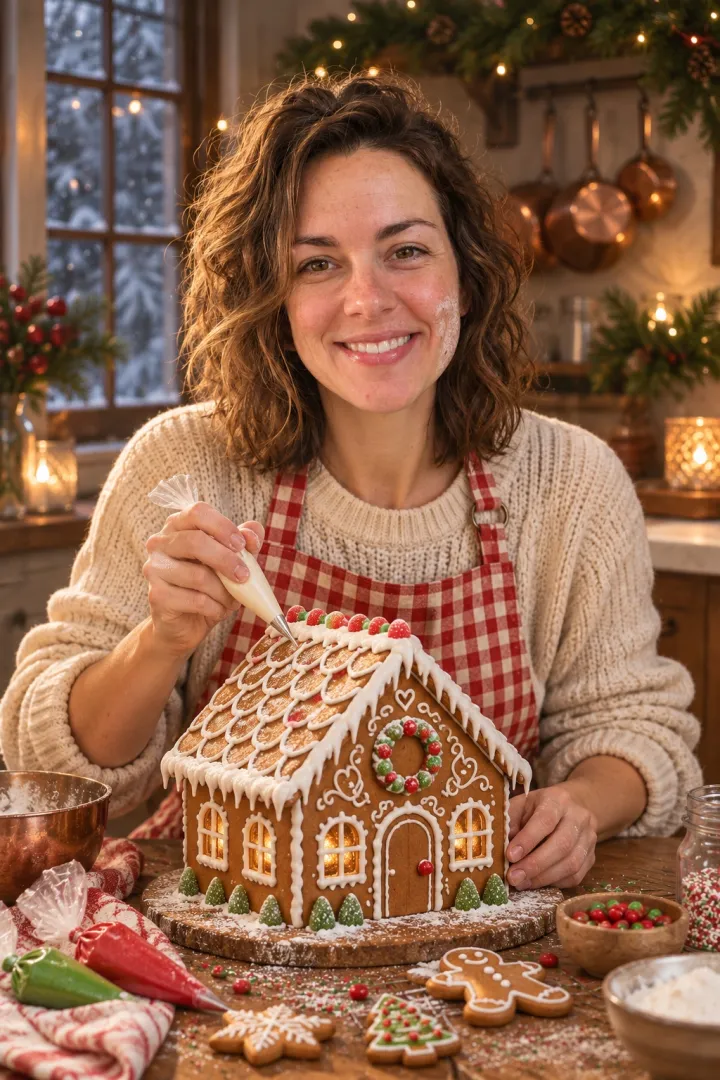
Checked apron, icing bags and a gingerbread house.
An AI Christmas photo is a holiday portrait made from a picture you already have. Upload a selfie, a family snapshot or a photo of your dog, choose a look, and the generator dresses everyone for the season and builds the scene around them.
A Christmas filter usually drops a hat sticker on your head and stops there. Here the AI paints a new photo instead: the velvet Santa suit, the plaid pajamas, the fireplace or the falling snow, lit the way a real camera would see it. Faces, smiles and skin tone come from your own picture, so the result still looks like your family rather than a stock model.
 ORIGINALone selfieCozy FireplaceSnowy PortraitHoliday ElfMrs. Claus Glam
Three steps in your browser. There's no app to install and no editing to learn; you only need a free account to save your photos.
A selfie, a family snapshot or a pet photo in JPG, PNG or WebP, up to 10 MB. Faces in good light, looking at the camera, give the best likeness.
Pick from 20 looks sorted by who's in the picture: solo, family, couple or pet, from Santa Yourself to Snowy Cabin.
Your Christmas photo is ready in a minute or two. Drag the slider to compare it with the original, then download it or try another look.
No outfits to buy, no photographer to book, no bribing the kids to sit still. Just a photo you already have and a look you like.
Pajamas, Santa suits, snowy cabins and tree lights are all painted by the AI. Want to keep your own photo and outfit instead? Add a Christmas filter to it.
Christmas filter for photos →Each look keeps your face shape, skin tone and smile, so Grandma knows it's you.
Try a few looks before you order cards and keep the one you like best.
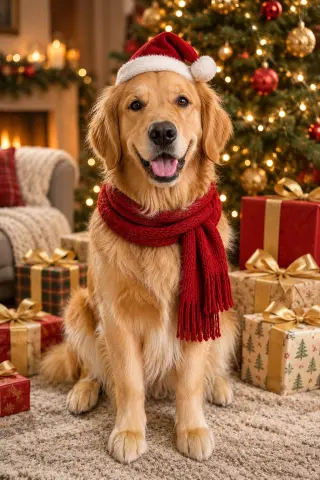
Four looks here, from Santa Paws to Reindeer Kitty, are made for cats and dogs, and the dog Christmas photo maker has twelve more.
Dog Christmas photos →Every Christmas photo downloads at full size with no watermark, ready for cards, prints and posts.
Uploads are deleted after 7 days and portraits after 30. We never sell them or use them to train our own models.
Short versions of the prompts behind our looks. Each one first tells the AI to keep the faces from your photo, then describes the outfit, the light and the scene. Paste one into ChatGPT or another image AI together with your photo, or run the look here in one click.
Use the uploaded photo as the reference. Keep the face, features and skin tone exactly the same. Dress the person as Santa Claus: a rich red velvet suit with white fur trim, a wide black leather belt and a Santa hat. A cozy living room on Christmas Eve, a tall tree with warm white lights and wrapped presents behind. Real photograph, 85mm lens, warm light.Use the uploaded photo as the reference. Keep every person's face, age and height exactly the same, and keep the same number of people. The whole family wears matching red-and-green plaid flannel pajamas in front of a decorated Christmas tree with warm white lights and presents. Warm, even light so every face is clear.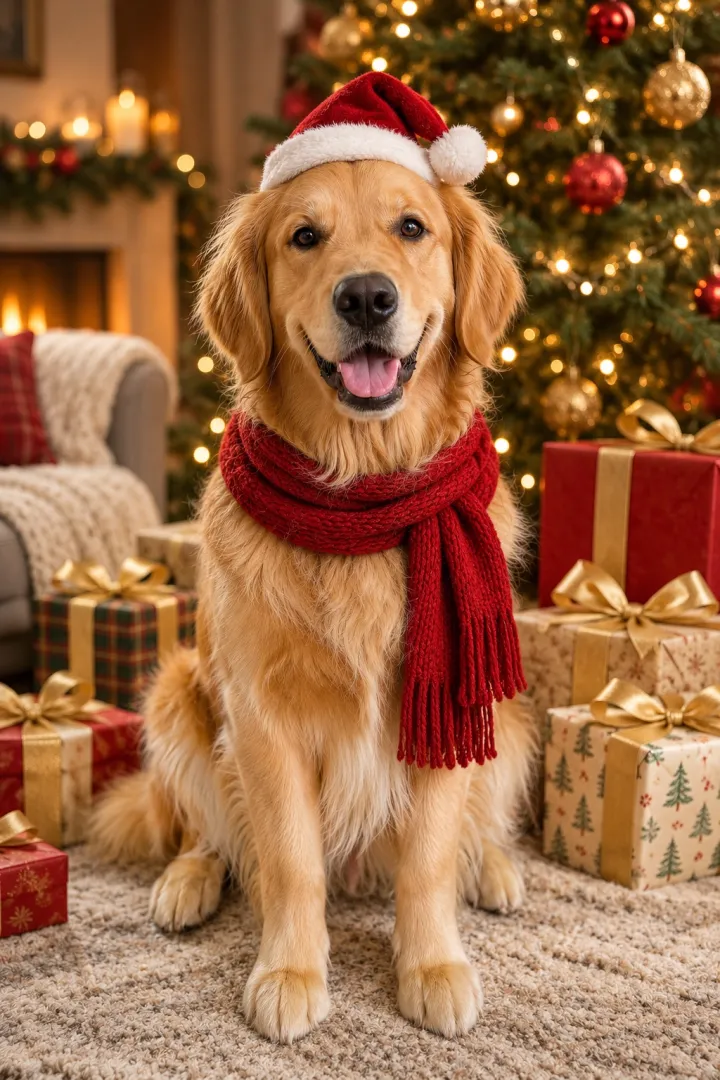
Use the uploaded photo as the reference. Keep the animal's breed, face, fur color and markings exactly the same. The pet wears a small red Santa hat with white fur trim and a red knitted scarf, sitting proudly among wrapped presents in front of a glowing Christmas tree. Sharp focus on the eyes, warm light.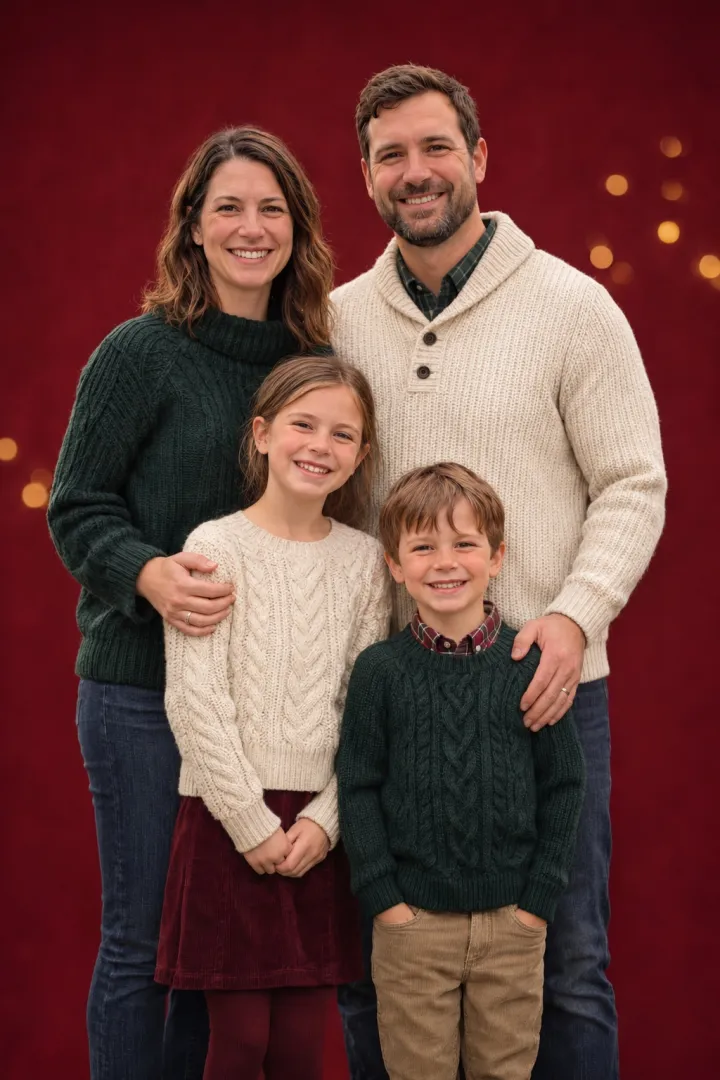
Turn last weekend's backyard snapshot into the photo on this year's card. Matching pajamas or a red studio backdrop, and every face in the family still looks like themselves.
A Santa, elf or snowy portrait for Instagram, WhatsApp or the office Slack, made from the selfie you already use.
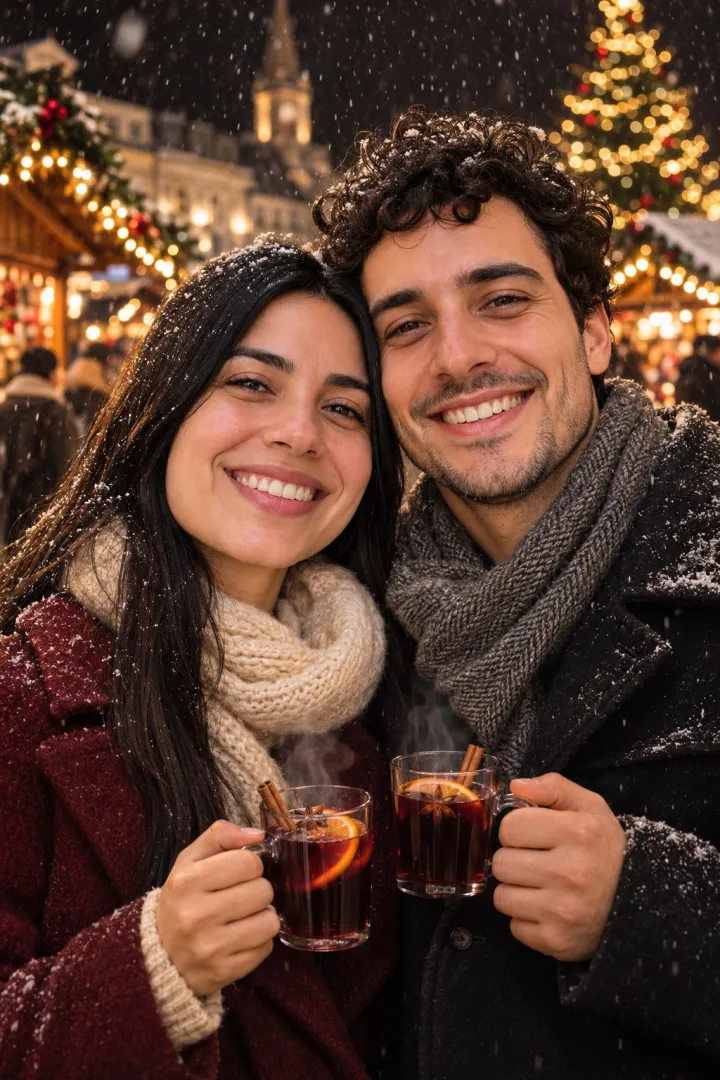
A winter market date or a mistletoe moment from one photo of the two of you, even if you can't be together this year.
Your first one is free. After that, subscribe for the lowest price per photo, or buy a pack once.
1 credit = 1 portrait. Unused credits roll over within your billing period. Prices in USD; taxes may apply at checkout. See full pricing →
Your first one is free. Upload a photo, pick a look and see yourself by the tree in a minute or two.