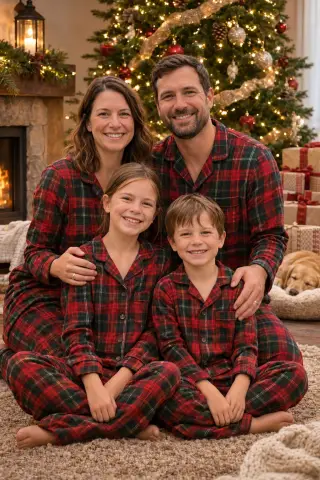
Christmas Filter for Photos

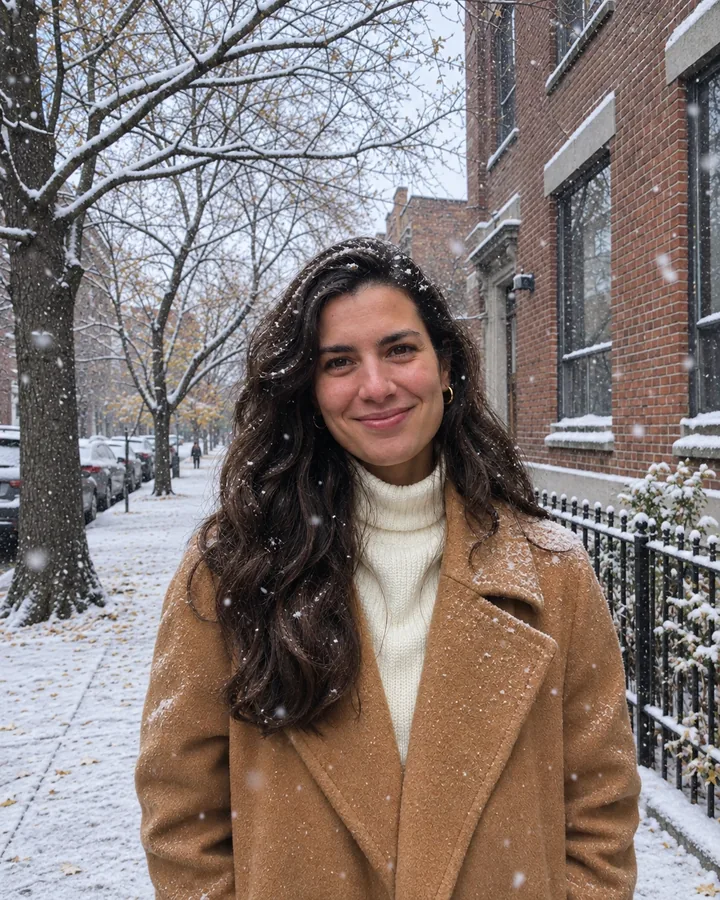
Upload a photo you already love and add falling snow, twinkling lights, a Santa hat or a whole new Christmas background. Everyone in it keeps the same face, clothes and pose, and your first photo is free.

Upload your photo
Choose a look12 looks

1 credit per photo after your free one ยท failed generations are refunded

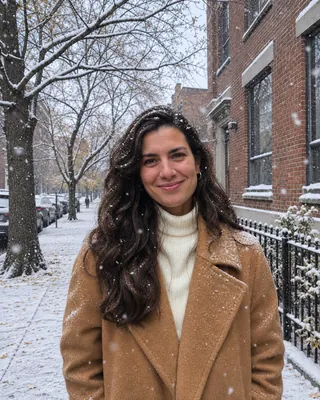
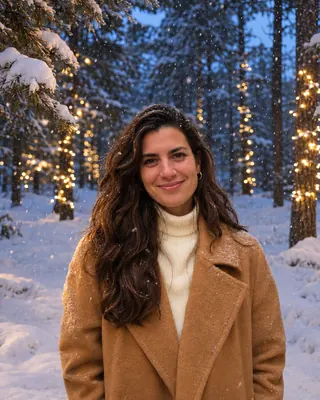
Falling snow
ORIGINALEXAMPLEDrag to compare
Falling snowBest for keeping the whole photo

Soft snow drifts across the photo and settles on hair, coats and the street. Nothing else changes.
Example made from the photo on the left. Upload yours to make your own.

12 filters

Pick a Christmas filter

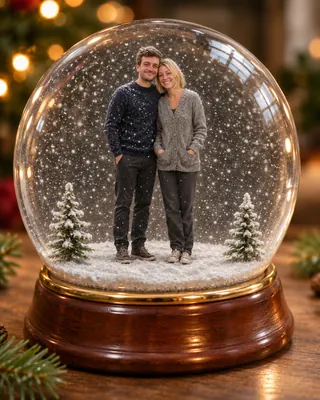
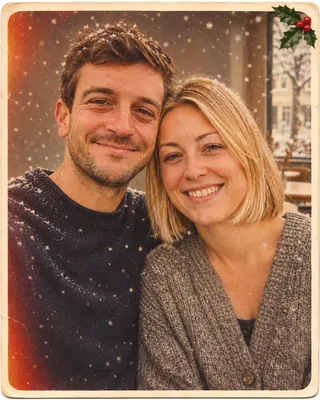
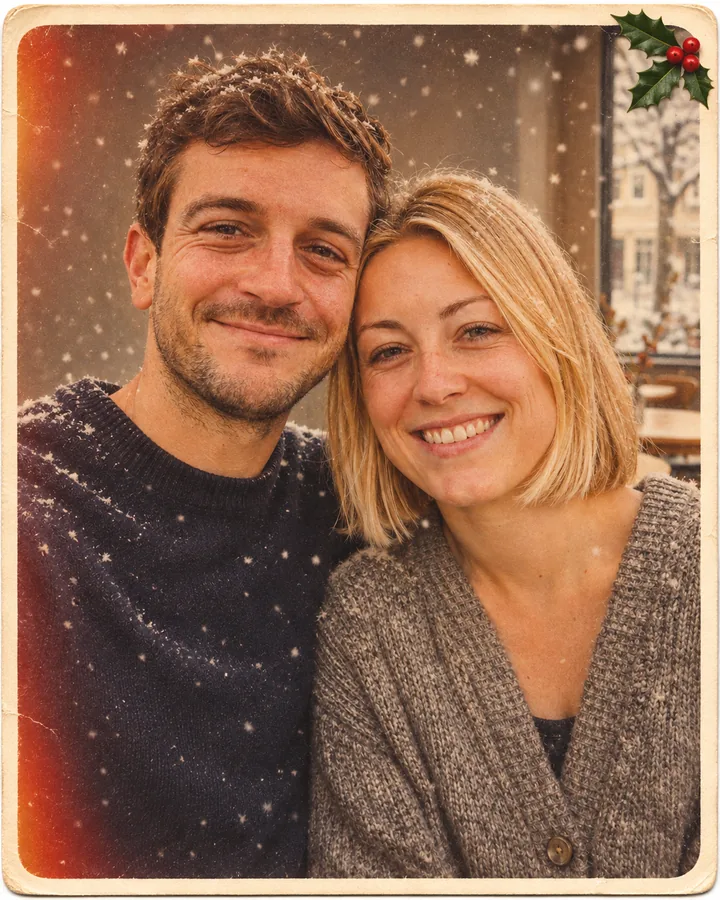
Effects add snow, lights or a hat to the photo as it is. Backgrounds move everyone somewhere festive. Keepsakes turn the photo into a snow globe or an old-fashioned card. Each example was made from the plain photo next to it, so you can see exactly what the Christmas filter changed.

Falling snow

Falling snow

Soft snow drifts across the photo and settles on hair, coats and the street. Nothing else changes.

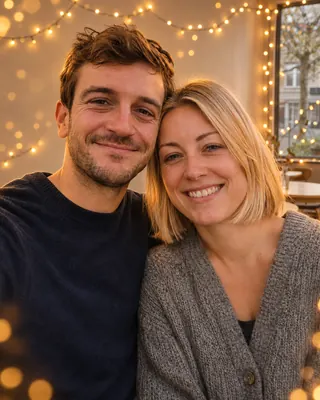
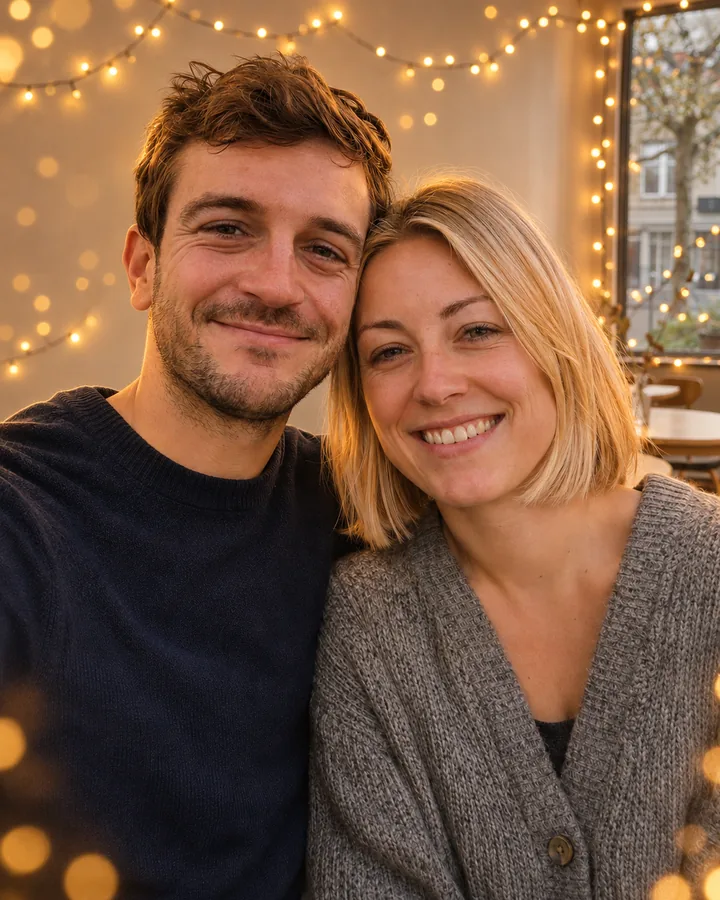
Christmas lights

Christmas lights

Strings of warm fairy lights and golden bokeh around you, with a soft glow on faces.
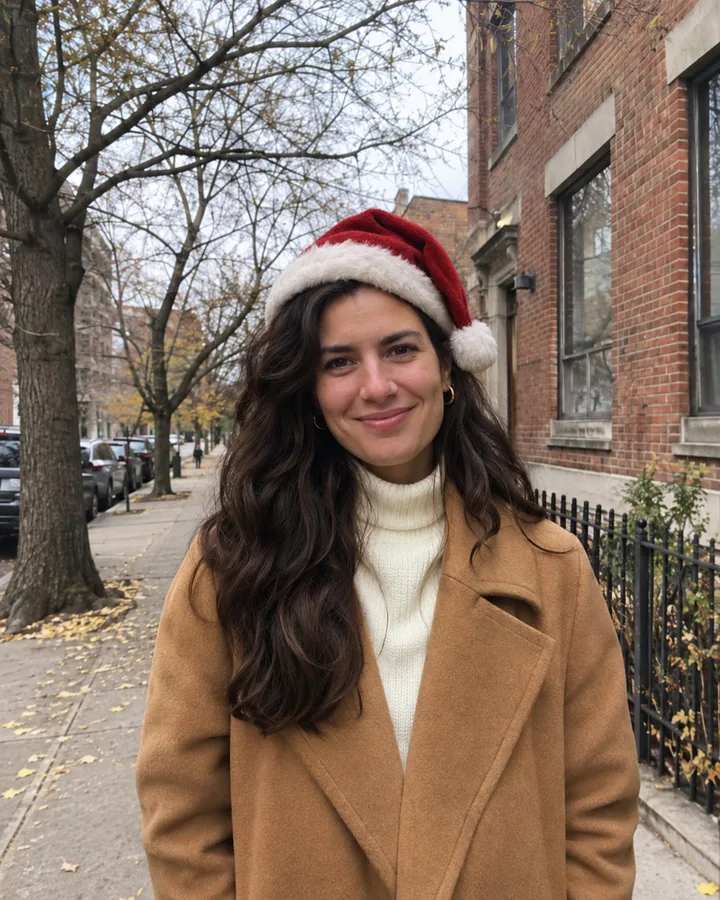
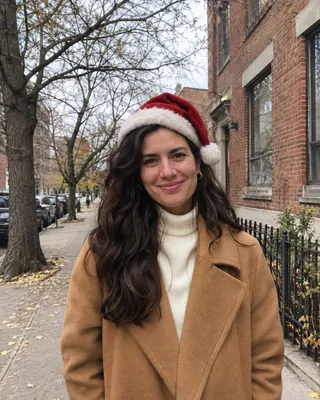
Santa hat

Santa hat

A red Santa hat on every head in the photo, sized and tilted to fit each one. Needs a person or pet in the photo.
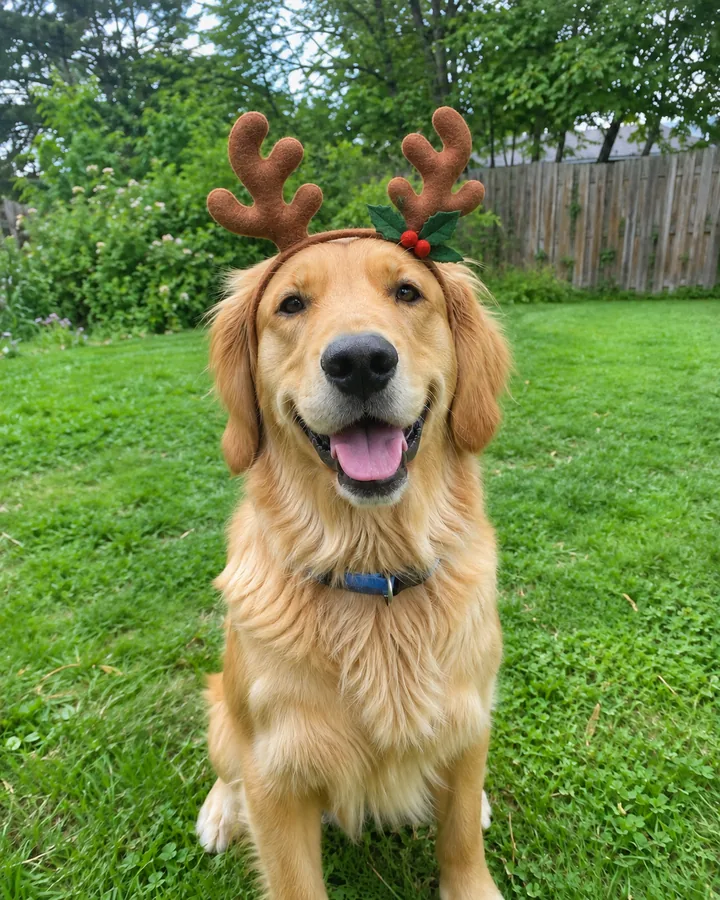
Reindeer antlers

Reindeer antlers

Felt antlers with holly and berries, for people and pets alike. Needs a person or pet in the photo.
Cozy film

Cozy film

A warm holiday color grade: rich reds, creamy whites, gentle grain and a few glowing lights.

AI Christmas filter

Keep your photo. Add the Christmas.

Most AI tools give you back a brand-new picture. This Christmas filter edits the one you upload.

The selfie from last weekend, the group shot from the office party, the dog in the yard: the people, the pose and the framing stay where they were, and the filter adds what December should look like. Snow that lands on your coat, a Santa hat that sits at the right angle, or a fireplace behind the sofa, lit so the light falls on faces too.

  • Same faces. No beauty filter and no new face; everyone still looks like themselves.
  • Same photo. Effects and backgrounds keep your crop, clothes and pose; keepsakes rework the layout into a globe or a card.
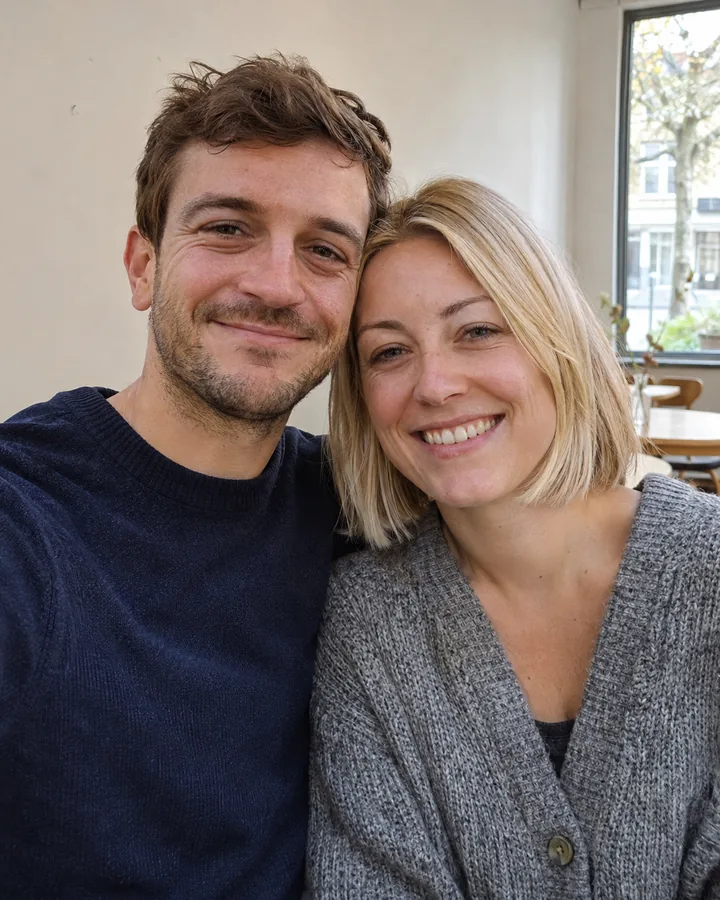
  • Any photo. Selfies, couples, groups, kids, pets and outdoor shots all work.
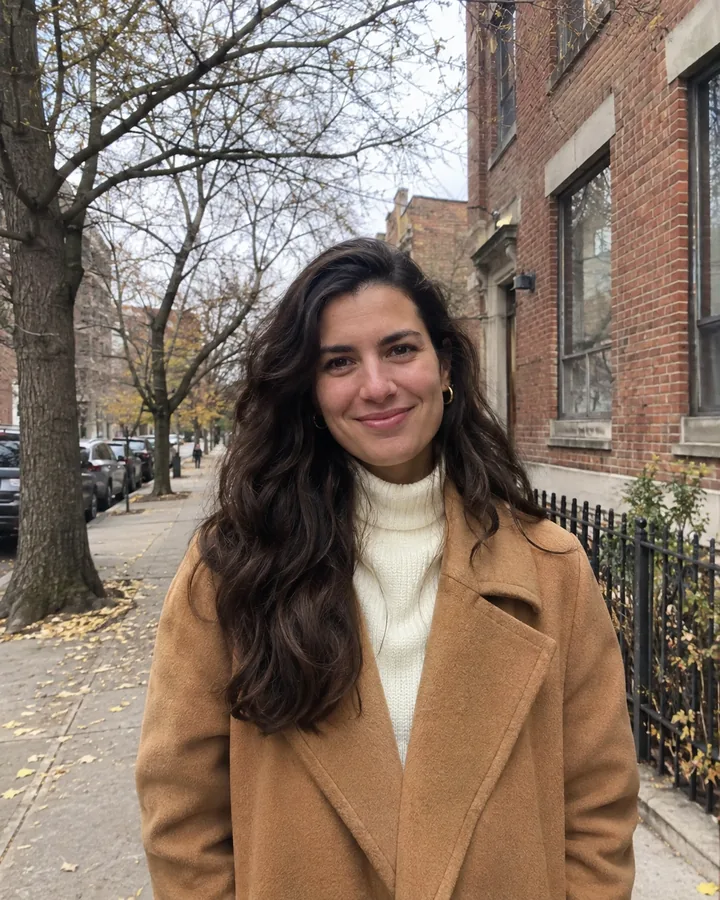
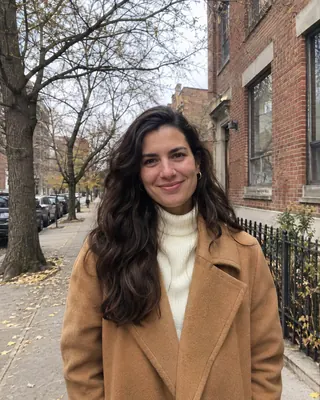
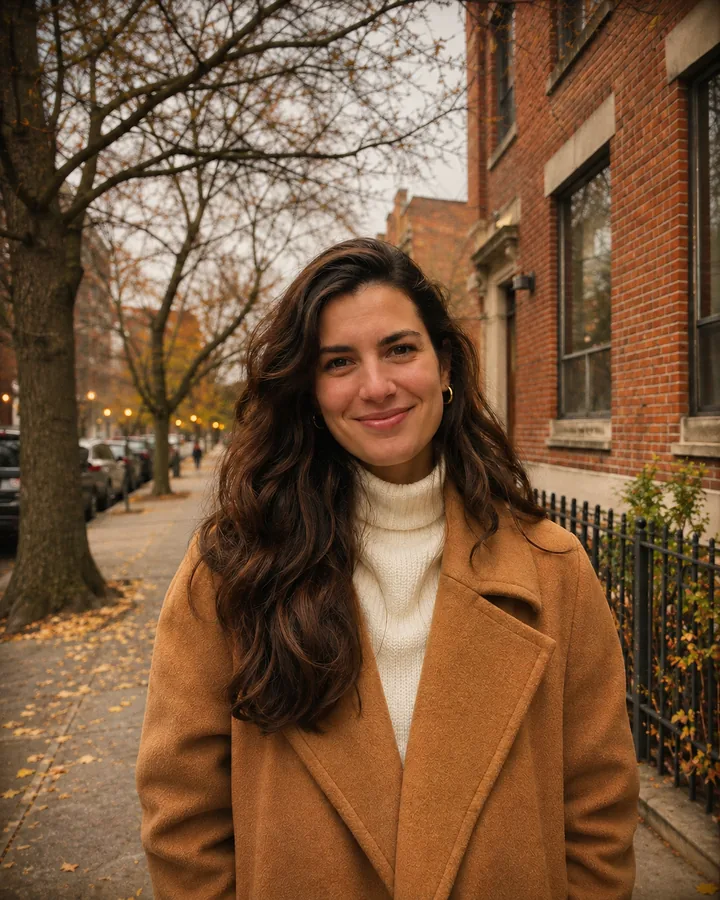
Originalone autumn street photo
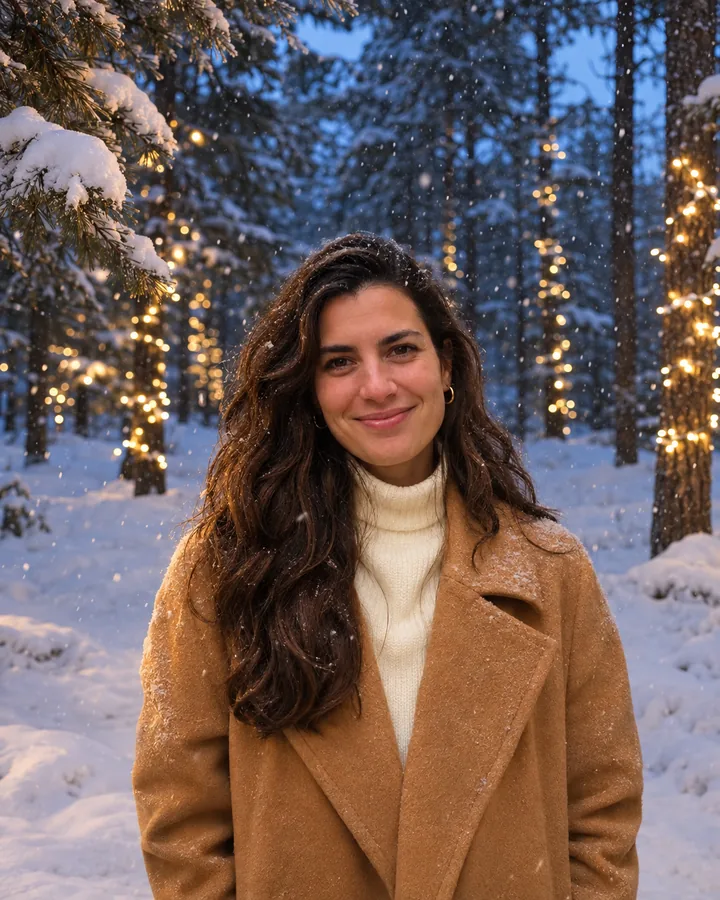
Falling snow
Santa hat
Cozy film
Winter wonderland
One photo, four Christmas filters.
How it works

How to add a Christmas filter to a photo

Three steps in your browser. No Christmas photo editor to learn, no layers, no app to install.

  1. Upload a photo

    Any clear photo where faces are easy to see; one straight from your phone is fine. JPG, PNG or WebP, up to 10 MB.

  2. Pick a filter

    Choose from 12: effects keep the whole photo, backgrounds change the setting, keepsakes turn it into a snow globe or a card.

  3. Compare and download

    Drag the slider to check it against your original, then download it full size or try another filter on the same photo.

Christmas backgrounds

Add a Christmas background to a photo

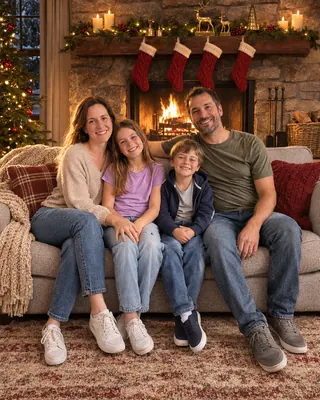
Took the family photo against a bare wall? Keep everyone where they are and change the room around them.

The background filters keep each person's face, clothes and seat, and rebuild the setting behind them: a fireplace, a tree room, a snowy window or a Christmas market. The new light falls on faces as well, so it doesn't look like a cut-out pasted onto a postcard.

  • Five settings. Fireplace, tree room, snowy window, winter forest and Christmas market.
  • Light that matches. Firelight, tree glow or blue evening light lands on everyone.
  • Everyone stays. Kids, grandparents and the dog are all kept, in the same order.
Originalone family photo on the sofa
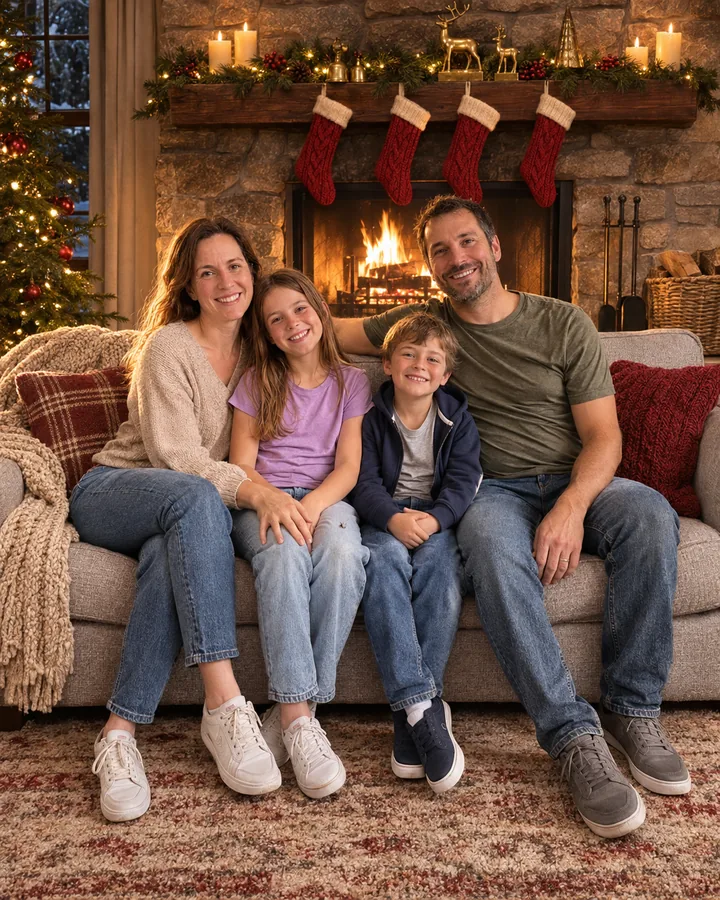
By the fireplace

Christmas tree room
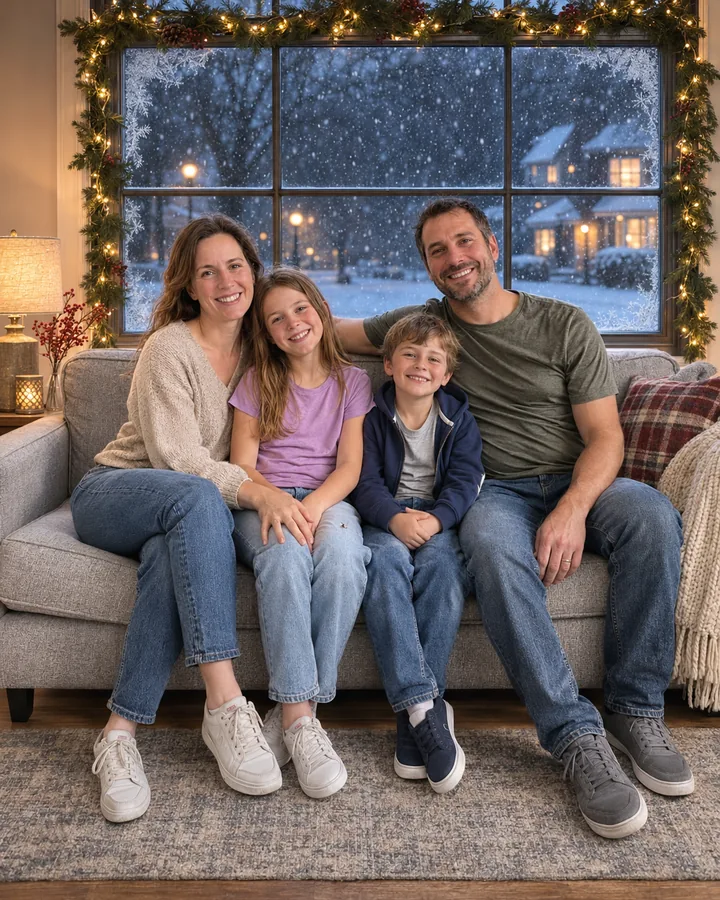
Snowy window
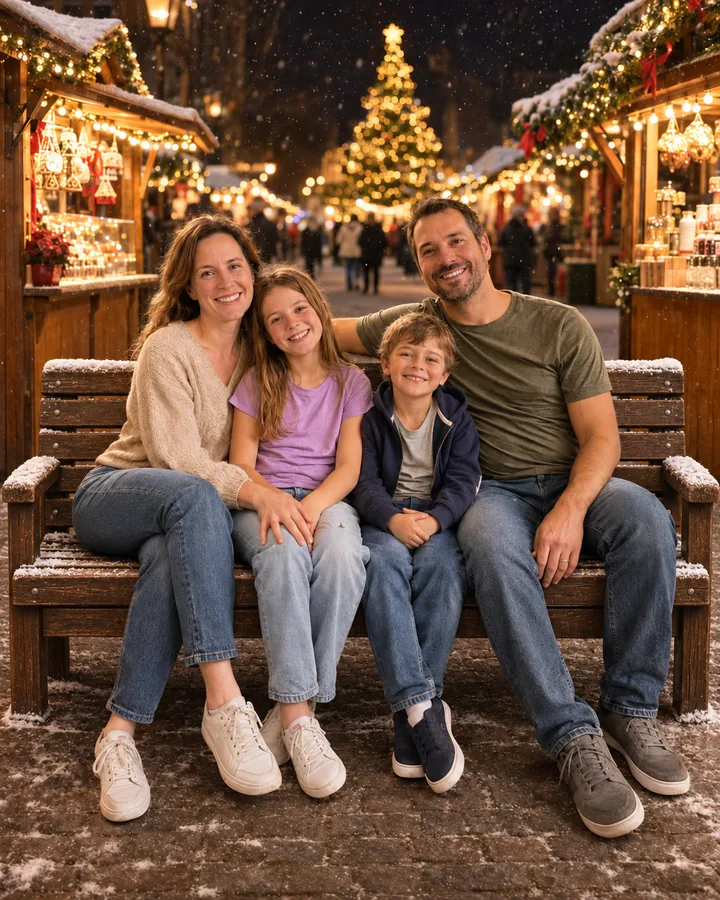
Christmas market
Same family, four Christmas backgrounds.
Why it works

A Christmas filter that leaves you alone

A good Christmas filter should look like it was there when you took the photo, not like a sticker on top of it.

Faces stay yours

No smoothing, slimming or new features. Your expression and skin stay the way the camera saw them.

Groups and pets

Hats and antlers go on every head in the photo, the dog's and the cat's included.

Blends into the photo

Snow, lights and props follow your photo's own light, focus and grain.

Want Santa in it too?

Add Santa himself to a photo of your living room, porch or family.

Add Santa to a photo โ†’

Full size, no watermark

Every photo downloads at full size with no watermark, ready to post or print.

Private by default

Uploads are deleted after 7 days and finished photos after 30. We never sell them or use them to train our own models.
Ideas

Where your Christmas photos end up

This year's Christmas card

Pick the best photo you took this year, give it the vintage card or fireplace filter, and drop it into the card maker or print shop you already use. No holiday photoshoot required.

Holiday posts and profile pictures

Give a photo from any season a December look for your feed, your stories or the group chat.

The pet's Christmas photo

Antlers or a Santa hat on the dog, and it never had to wear them.

Pricing

One credit per Christmas filter photo

Your first photo is free. After that, it uses the same credits as every FestiveLooks tool: subscribe for the lowest price per photo or buy a pack once.

Basic$14.99/ month100 credits a month ยท $0.15 per image
  • Save $60 a year vs monthly
  • Billed $179.88 a year instead of $239.88
  • Full-size downloads, no watermark
  • Every look, every holiday
  • Cancel anytime
Most popularPlus$29.99/ month240 credits a month ยท $0.13 per image
  • Save $120 a year vs monthly
  • Billed $359.88 a year instead of $479.88
  • Full-size downloads, no watermark
  • Every look, every holiday
  • Cancel anytime
Pro$59.99/ month600 credits a month ยท $0.10 per image
  • Save $240 a year vs monthly
  • Billed $719.88 a year instead of $959.88
  • Full-size downloads, no watermark
  • Every look, every holiday
  • Cancel anytime

1 credit = 1 portrait. Unused credits roll over within your billing period. Prices in USD; taxes may apply at checkout. See full pricing โ†’

FAQ

Christmas filter FAQ

How do I add a Christmas filter to a photo?
Upload a photo, pick one of the 12 filters and press Add the filter. The result is ready in a minute or two; drag the slider to compare it with your original, then download it or try another filter on the same photo.
Is the Christmas filter free?
Your first photo is free with a free account. After that each photo costs 1 credit, from a monthly or yearly plan or a one-time credit pack. If a generation fails, the credit comes back.
Will it change my face?
No. Every filter keeps faces, expressions, hair, clothes and pose as they are in your photo, with no beauty smoothing. A sharp, well-lit photo gives the closest match; if something looks off, try again or use a clearer photo.
Can I add a Christmas background to a photo?
Yes. The Backgrounds group keeps the people and replaces the setting with a fireplace, a Christmas tree room, a snowy window, a winter forest or a Christmas market, and matches the light on faces to the new scene.
Does it work on group photos, kids and pets?
Yes. Everyone in the photo is kept, and the Santa hat and reindeer antlers filters put one on every person and pet. For big groups, use a photo where every face is clearly visible.
Is this a Snapchat, Instagram or TikTok filter?
No. Those are live camera filters inside each app. This one works on a photo you already have, right in your browser on your phone or computer. Download the result and post it anywhere, Instagram, TikTok and Snapchat included.
What kind of photo works best?
A clear, well-lit photo where faces are easy to see. Effects work on almost anything. For backgrounds, photos where people are fully in view give the cleanest edges; for the snow globe and vintage card, a portrait or couple photo works best.
How is this different from the AI Christmas photo generator?
The AI Christmas photo generator makes a brand-new portrait of you in a Christmas outfit and scene. The Christmas filter keeps the photo you upload, the same clothes, pose and framing, and adds Christmas to it.
What happens to my photos?
Your photos are private to your account. Uploads are deleted after 7 days and finished photos after 30 days, and you can delete them sooner from My creations. We never sell them or use them to train our own models.

Give your favorite photo a Christmas filter

One upload, twelve ways to make it December, and your first photo is free.